
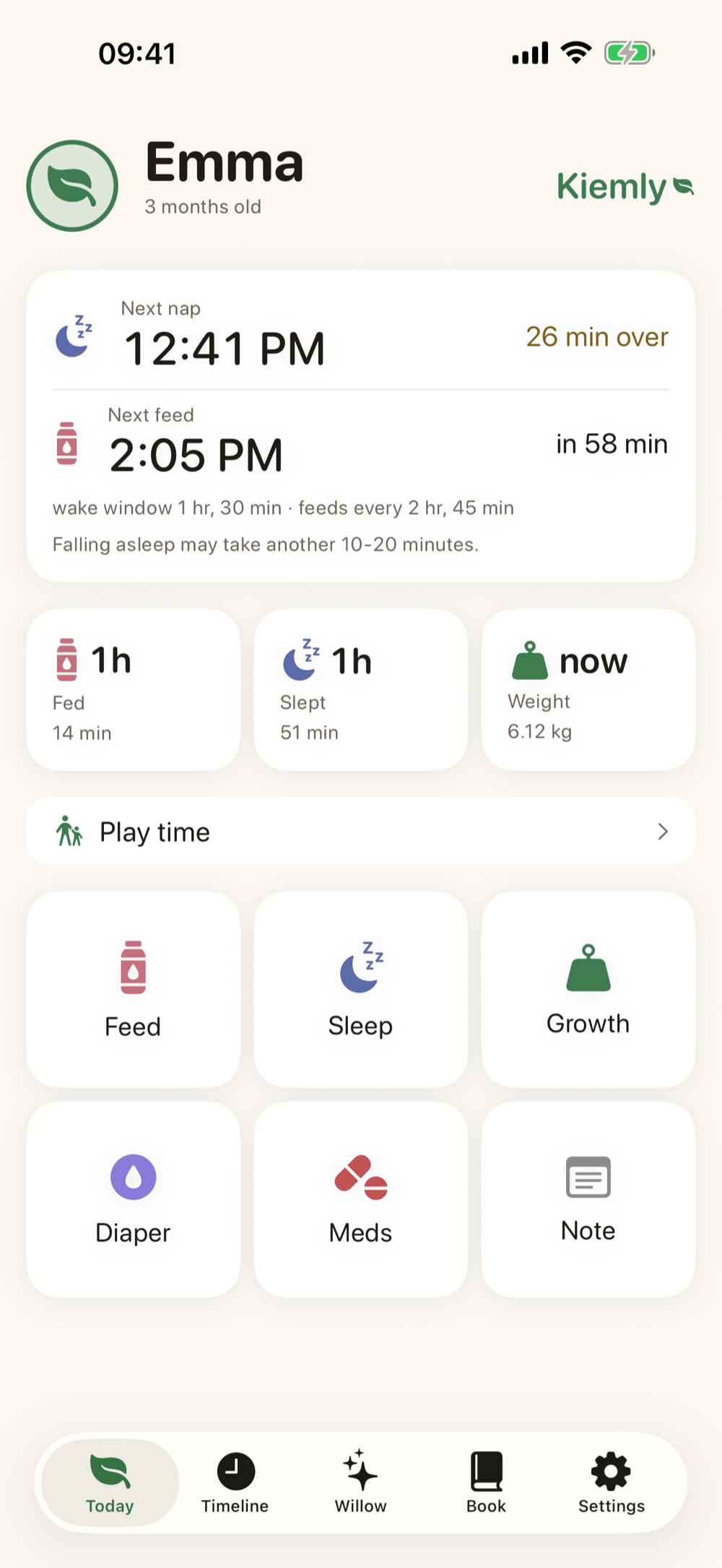
For small days and long nights
You know your baby.Kiemly remembers the rest.
Sleep, feeding, growth and small memories, calmly together. Fully on your iPhone, or connected to your own Baby Buddy server.
A day in Kiemly
01 / 04
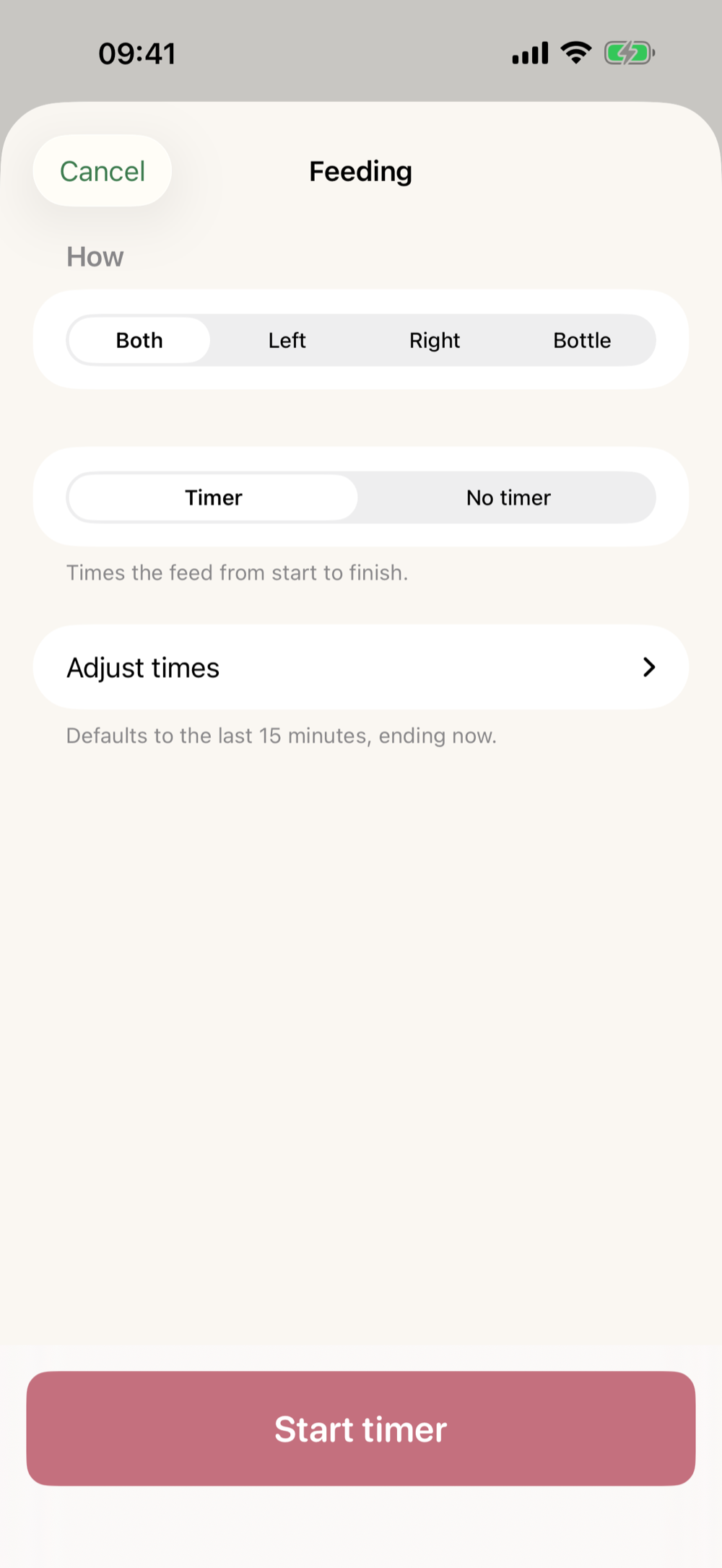
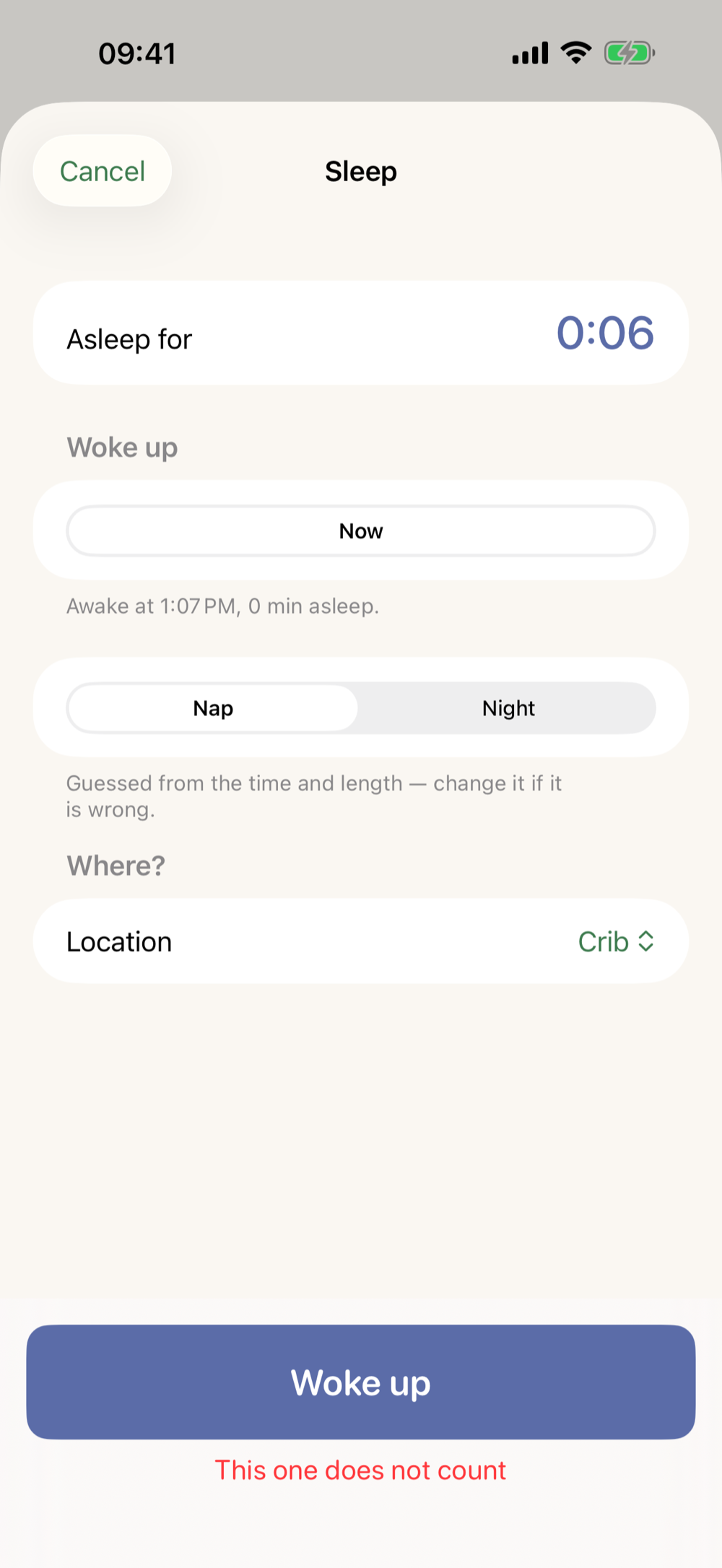

Willow — on your device
Learns one baby. Not every baby.
Willow quietly recognises your own rhythm and only speaks when there is enough context. No guilt, no medical predictions, no data stream to us.
Sometimes staying quiet is the best guidance.
Born between feeds
First there was a parent trying to remember everything.
Feeding. Sleep. Medicine. When was that again? With little sleep, even tracking something small became another task.
Kiemly did not start as an idea for yet another app, but as a fix for our own home: one calm place that remembers what you would otherwise have to carry yourself. Made by a parent, for the moments when your head is already full enough.
Less admin. More room to be a parent.
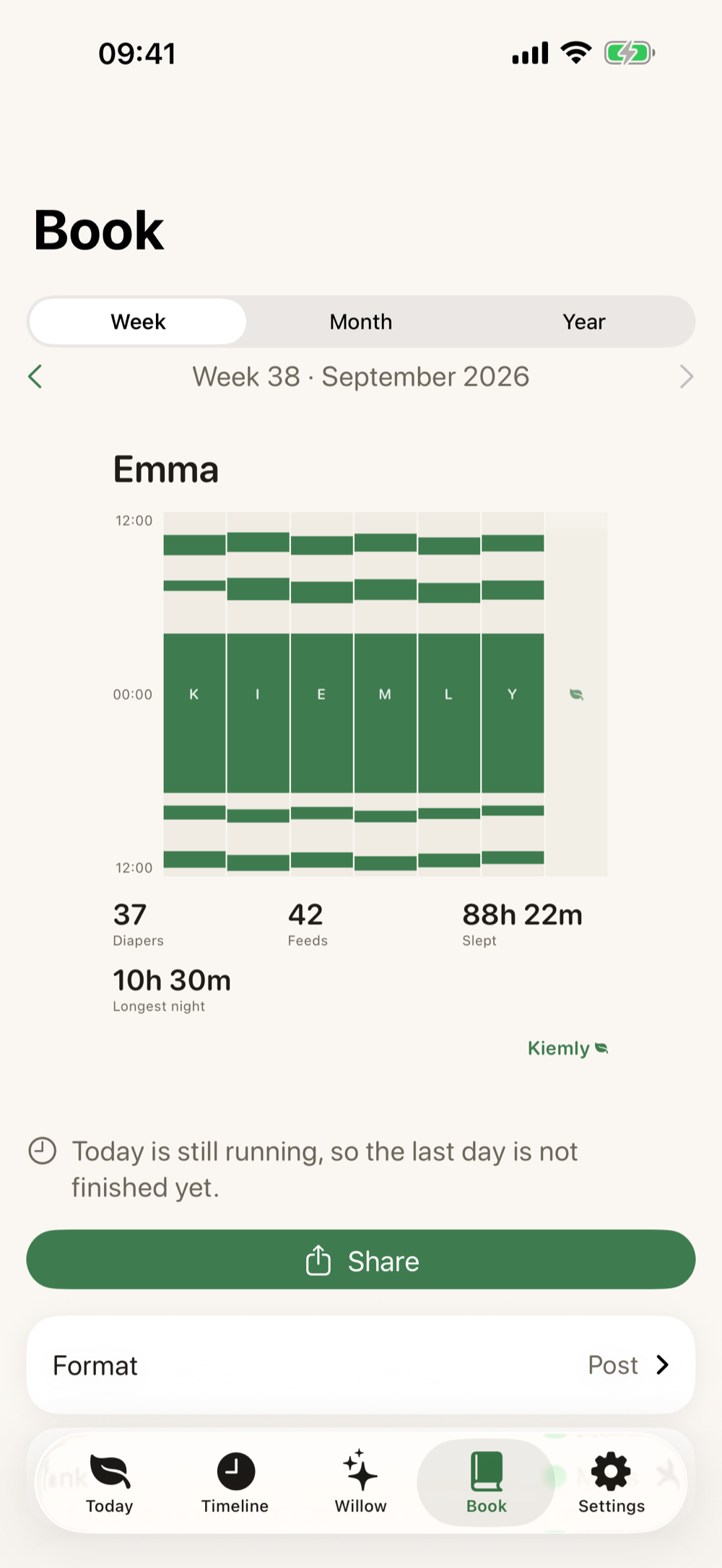
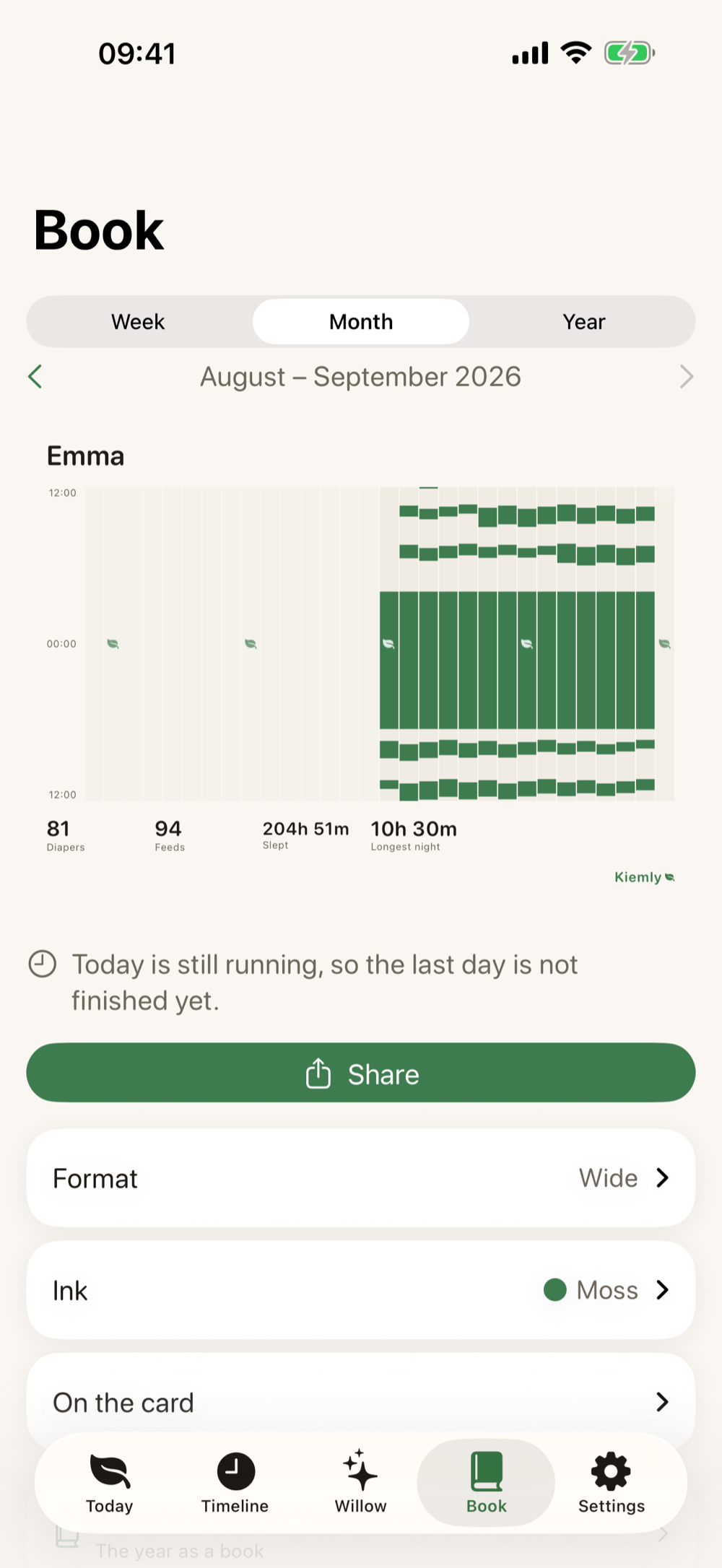
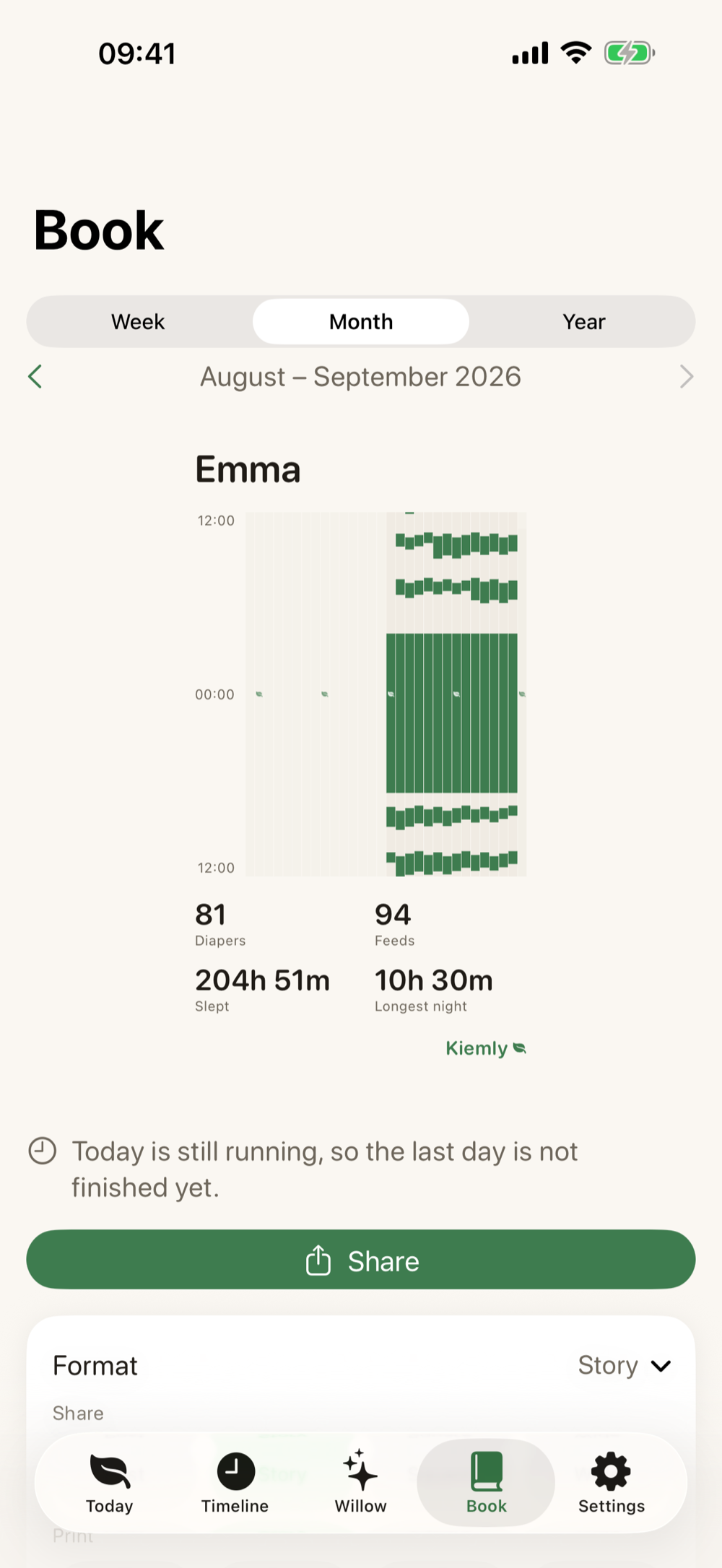
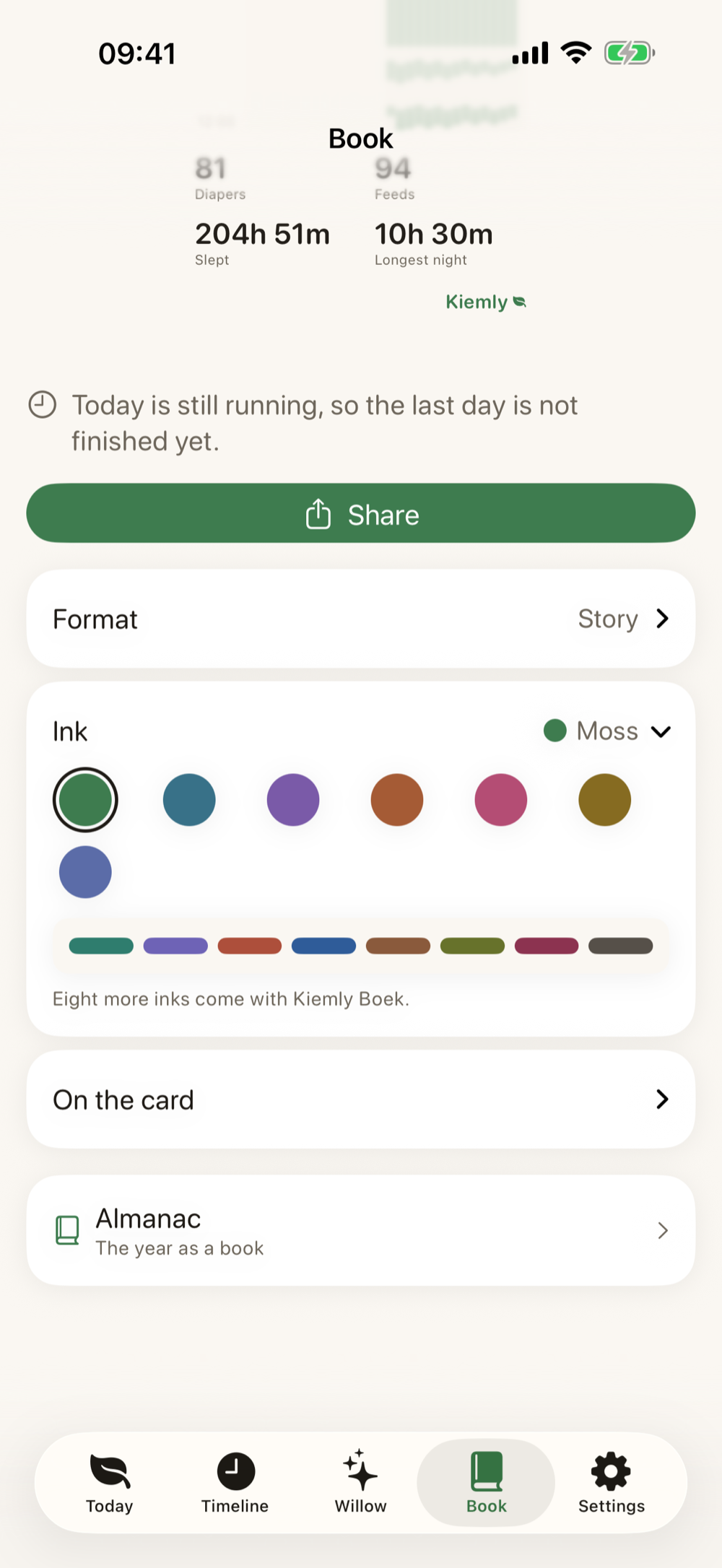
The Book — nights as one drawing
05 / 08
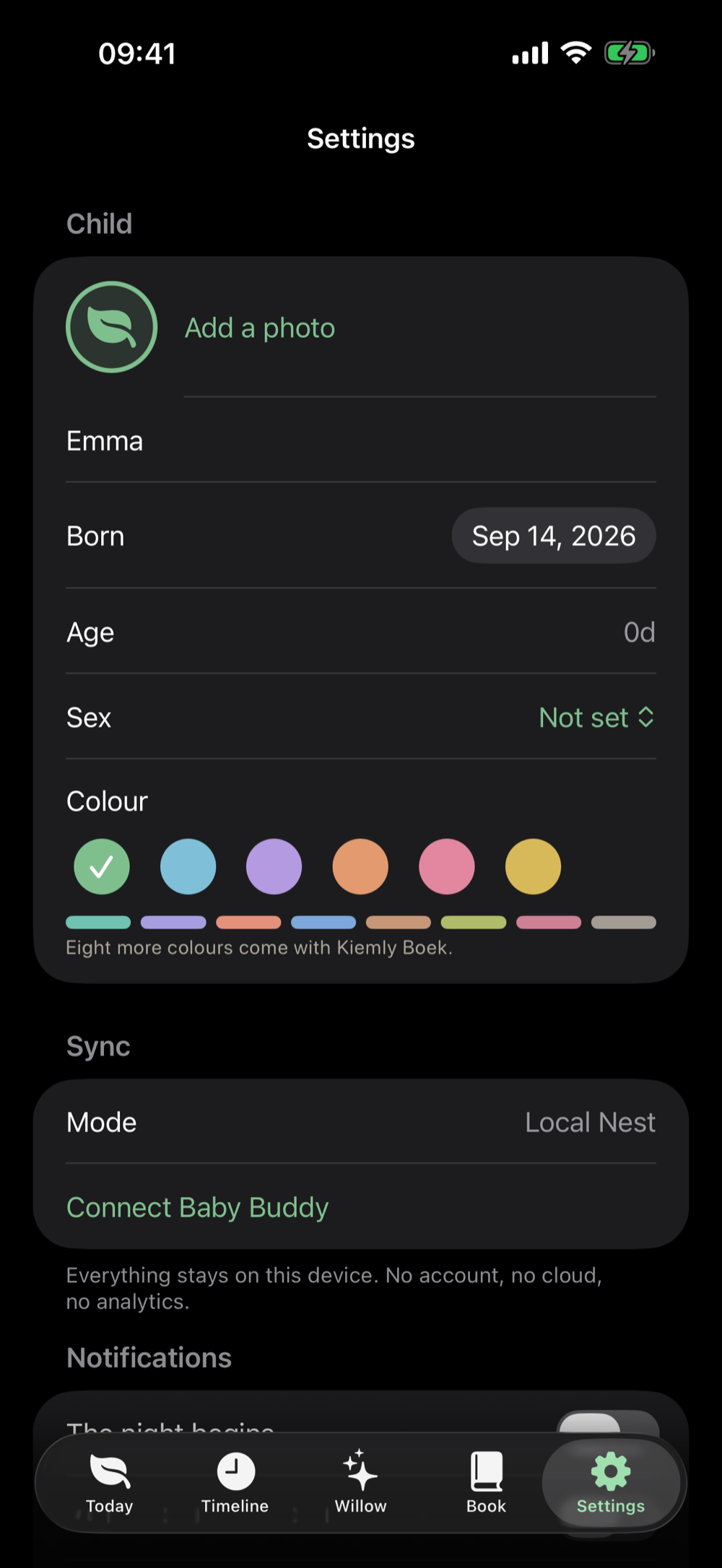
Your data, your choice
09 / 11

KiemlyBaby BuddyHTTPS
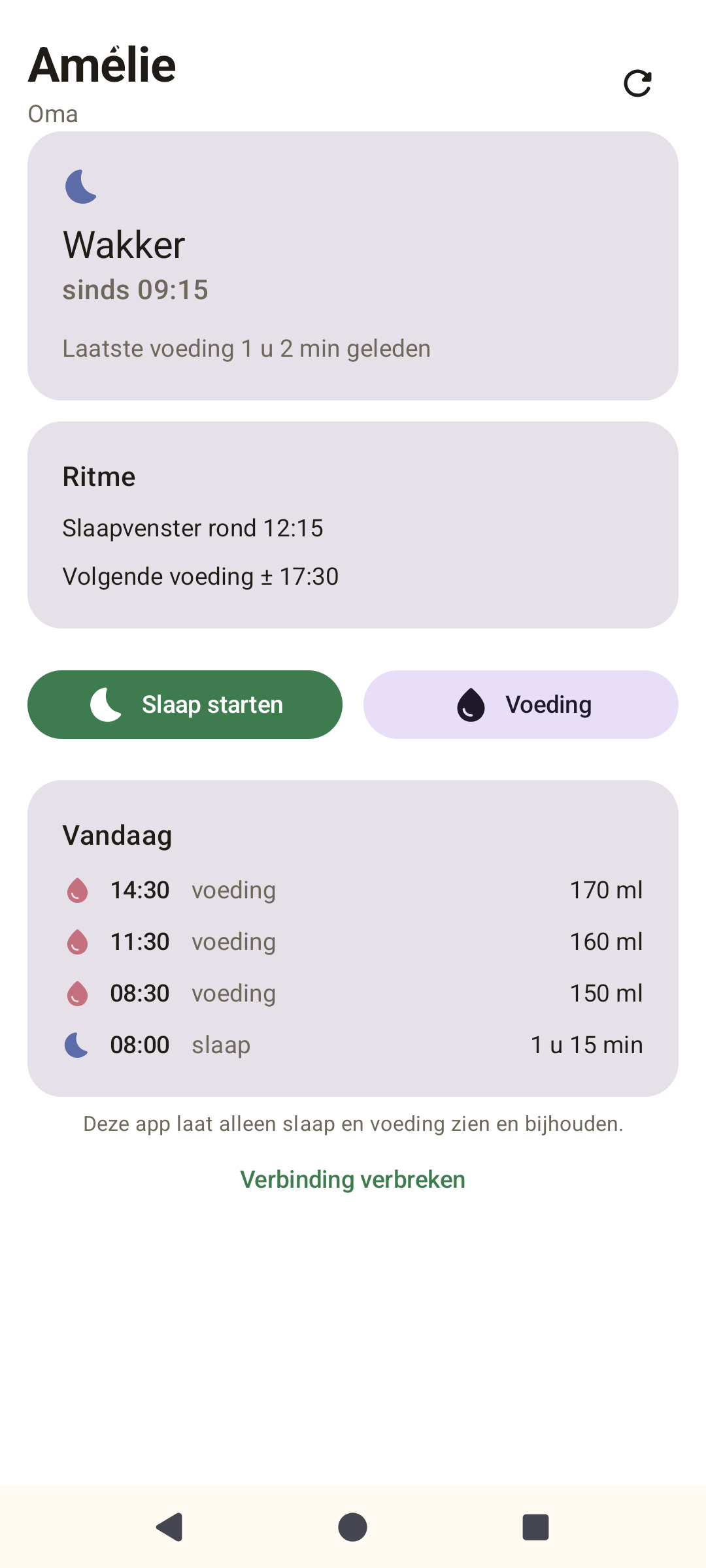 Android preview
Magic over Metrics
Calm is a feature too.
Kiemly uses warm language, quiet choices and only the information that helps right now. Never clinical. Never blaming. Never more than needed.
Honest about the price
Tracking is free. Forever.
The heart of Kiemly never sits behind a paywall. Willow is the only subscription; Family and the Book are one-time purchases.
Kiemly
€0
always
Sleep, feedings, growth, timeline, memories, export and Baby Buddy sync.
Willow
€14,99
per year · always shared
The pattern behind your days, no server. The only part that keeps learning. Try it free for two weeks, whenever it suits you.
The Book
€9,99
one-time · one Apple ID
whole family · Thuis€14,99
The week and month cards at print resolution, the year poster and the almanac, fourteen inks, week numbers and dates on, the mark off.
Kiemly Family
€19,99
one-time · one Apple ID
whole family · Thuis€29,99
Every child their own rhythm, the consult sheet, Family Sync for both parents through your own iCloud and, with your own Baby Buddy server, the sitter seat. A free extra for now: wake on changes for your own Baby Buddy — an extra that may stop one day; Family itself stays as it is.
Family + Book
€24,99
one-time · save € 4,99
whole family · Thuis€37,49
Kiemly Family and the Book together, in one purchase.
With a newborn, Family and the Book are open for the first six weeks — except the eight extra inks, which are only ever bought — and without a countdown. Willow has its own two free weeks, which you start whenever you like. If a purchase lapses or is refunded, you keep all your data and everything you have already shared or printed; only the extras stop. The Thuis variants share one purchase with your whole Apple family through Family Sharing. Prices as in the Dutch App Store; your store shows the local price.
Help
Quick answers.
The questions we get most. Yours isn't here? Ask it below.
How do I back up everything?
In Kiemly: Settings → Your data → Save a backup. That is one file with everything in it, photos too, and Kiemly reads it back before handing it over. Keep it in Files or iCloud Drive. Your iPhone's own iCloud backup includes Kiemly as well.
New phone: how do I get everything back?
Move to your new iPhone with Quick Start or from its iCloud backup, and Kiemly is there with everything. Saved a backup? Then choose Restore a backup on Kiemly's first screen. If you use Family Sync or your own Baby Buddy, your log also comes back from there as soon as you connect again.
How do I get a purchase back on another device?
Settings → Kiemly Family, Boek and Willow → Restore purchases, with the Apple ID you bought with. Bought the Home edition? Then everyone in your Apple family gets it by themselves, through Family Sharing.
I was given a code. How do I redeem it?
Settings → Kiemly Family, Boek and Willow → Redeem a code. You can also redeem it in the App Store app; Kiemly turns it on by itself afterwards.
My Baby Buddy was restored from a backup. What now?
Kiemly notices by itself and stops syncing, so nothing lands on the wrong entry. Choose Settings → Link again: Kiemly first saves a copy of both sides, matches everything by what it says, and then links again.
Only when there is something worth sharing
Stay close.
No daily flood. Just a calm message when Kiemly takes a meaningful step.
Protected by an invisible honeypot, completion-time check, origin check and rate limit — without a tracking captcha.
Kiemly grows gently with you